Images & files
The media library: upload, sort into folders, keep alt text, and place images into blocks.
1 The media library
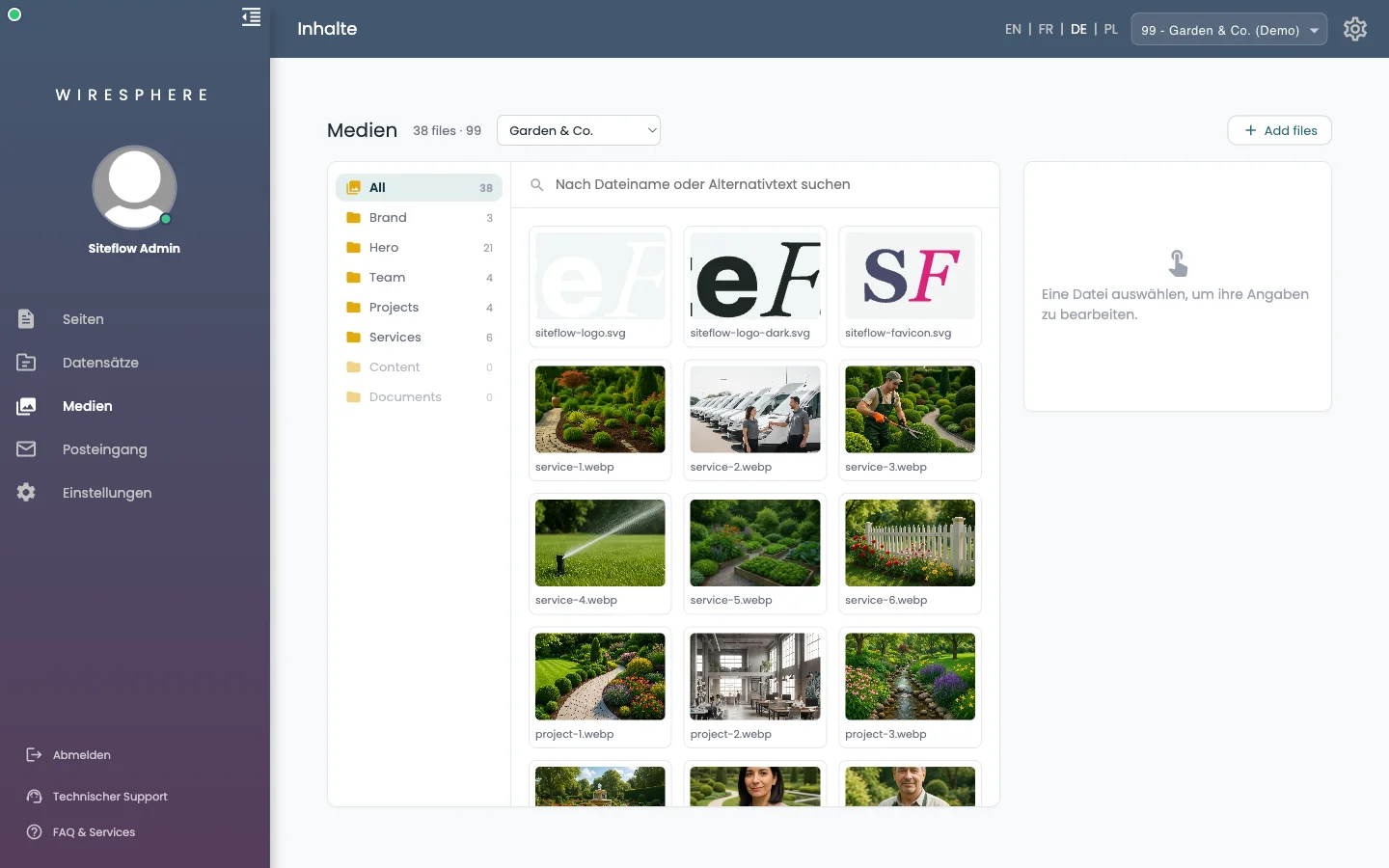
Under Medien sit all images and files of this website. Folders with their counts on the left, preview tiles on the right; the search box above searches by filename or alt text. Every image is resized into several variants on upload, so a phone does not download the desktop picture.
2 Upload files
The Add files button at the top right opens the upload area: pick files, or simply drag them into the field. Alternatively paste an image address and click Holen (fetch) — the image is pulled from there and afterwards lives with you. Uploads land in the folder you have open on the left.
3 Details of a file
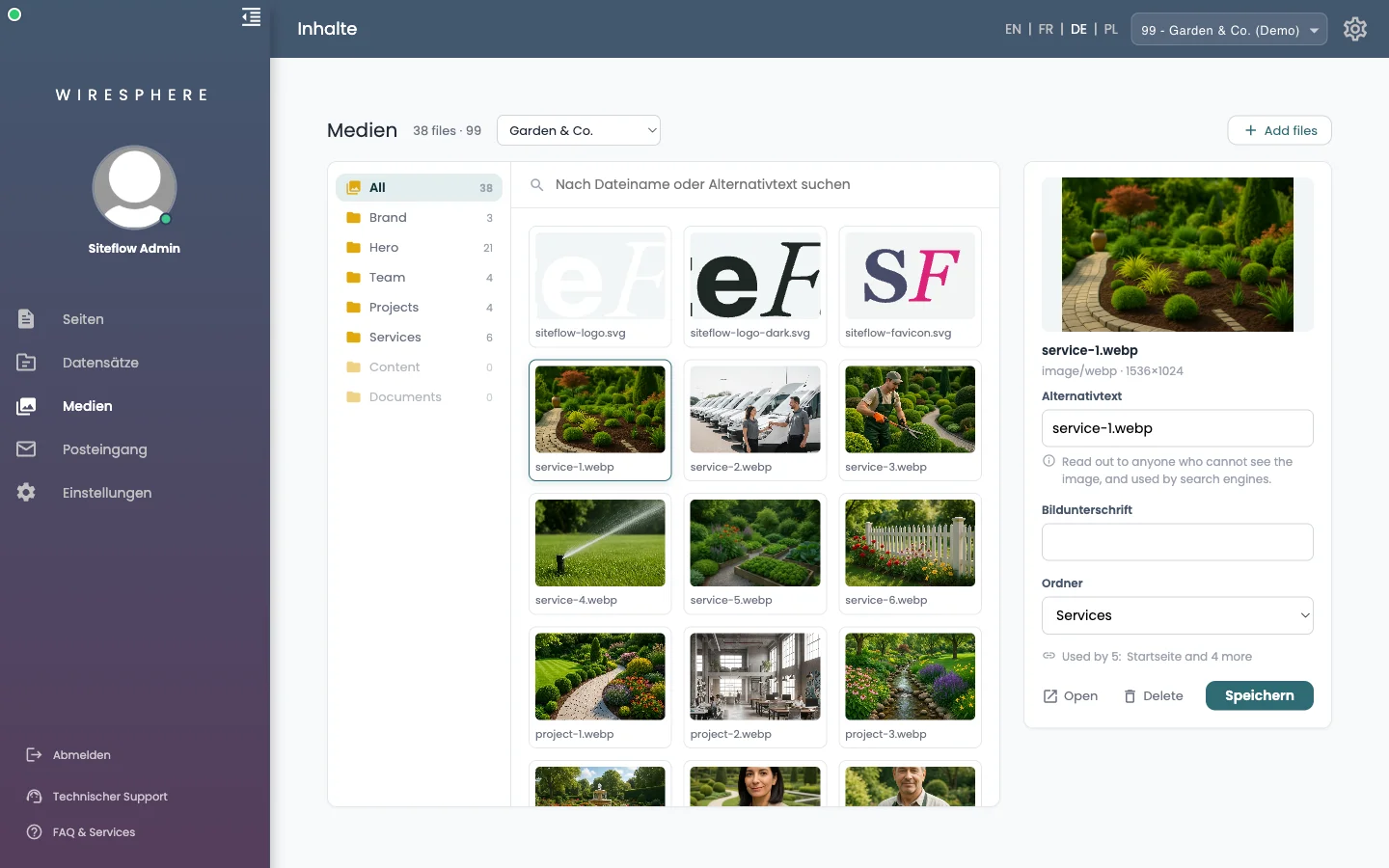
Clicking a tile opens its details on the right:
- Alternativtext (alt text) — what the picture shows. It is read out to people who cannot see the image, and search engines read it too. Please always fill it in.
- Bildunterschrift (caption) — optional, shown under the image in some blocks.
- Ordner (folder) — move the file from here.
4 Place an image into a block
In blocks with an image field, click Auswählen… (choose) or Ändern… (change). The media library opens: pick an existing image or upload a new one right there. Leeren (clear) takes the image out again. The same picture is stored once, even when it appears in five places.